Published by Best Fitness Routine. Editorial standards · Report a correction. Educational guidance; no individual clinical review is claimed unless a qualified reviewer is named.
A Practical Starting Point
As an Amazon Associate I earn from qualifying purchases. This guide includes paid Amazon links.
How accurate are fitness watch step counters? There is no single percentage that applies to every wrist, device and activity. A counter estimates steps from sensor patterns, so an ordinary day includes situations that are easier or harder for its algorithm to recognise.
This guide focuses on the count itself: why steps can be missed or added, how to check setup and how to decide whether a discrepancy matters. It does not turn the total into a measure of your worth, a diagnosis or a requirement to reach a universal daily target.
Understand that the device recognises a movement pattern
A wrist tracker does not observe each foot contacting the ground. It uses sensor information and an algorithm to classify movement. The Google Health explanation of Fitbit activity calculations describes a three-axis accelerometer and a pattern-based approach to counting. The relevant question is therefore whether your activity produces the pattern that the particular system recognises.
Steady walking and short, interrupted tasks are not identical measurement settings. A device may handle them differently without either total being a direct count made by an observer. Distinguish step count from distance, active minutes and calories as well. A correct-looking distance does not prove that every displayed step is correct, and an unusual count does not establish that another estimate is wrong in exactly the same way.
Recognise when hands and feet tell different stories
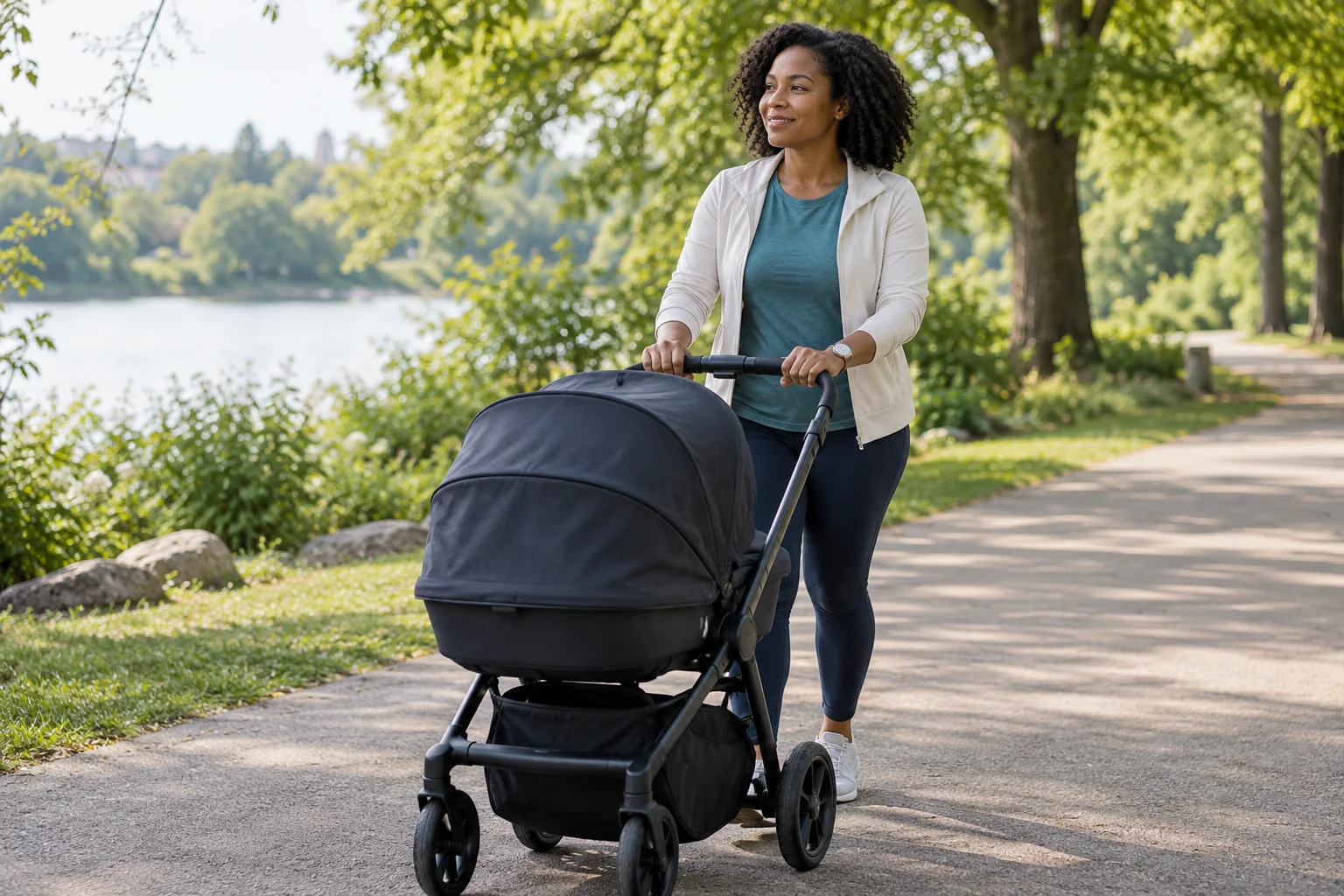
Your feet may be moving while your wrist is relatively still: pushing a stroller, holding a shopping trolley or carrying something carefully. Other tasks can involve repeated arm movements without sustained walking. These are useful contexts to mention when a count differs from what you expected.
Apple’s measurement guidance explains the role of arm motion in its activity features and describes a supported workout option when both hands are needed. Exercise credit is not the same measure as a step total, so that example does not promise that every missed step will be restored. Never change a safe grip on a stroller, walking aid or carried object merely to increase the number. Ankle placement or another improvised position may not be supported and can affect other measurements. Use the intended wear arrangement.
Check the few settings that genuinely apply
Follow the exact device instructions for intended wrist or placement, secure fit, relevant personal settings, software updates and syncing. Settings offered by one brand or generation may not exist on another. If your device has documented calibration instructions, read what they calibrate; distance calibration and step recognition are related but different questions.
Also check whether the app is showing the watch’s count, a phone count or a combined record. A phone left on a desk cannot observe the same period as a wearable on your body. A syncing delay or an app that combines sources can create an apparent disagreement before accuracy is even considered. Do not change personal details to make the total more satisfying or manually add guessed steps to make two dashboards match.
Use a simple observation to describe a problem
If you want to investigate an ordinary mismatch, note a familiar, safe situation and what you were doing with your hands. Record the device, the app being viewed, approximate time and whether the count had synced. A short example such as “the count barely changed during a stroller walk” may help support staff identify the relevant instructions.
You can compare an ordinary walk with a careful manual observation if that is safe and practical, but it is not a formal validation study. Do not choose an awkward route, look at the screen while crossing roads or repeatedly walk to obtain the expected total. If counting distracts you from the activity, stop the comparison. A single favourable check cannot establish accuracy across your whole day, and a single mismatch does not quantify a permanent percentage error.
A pocket notebook (paid link) can hold the context of one discrepancy; a phone note works, and continuous daily monitoring is unnecessary.
An optional manual tally counter (paid link) may make a short, safe observation easier to remember, but it is not required and does not turn the comparison into a validation study.
Separate a research result from your own reading
A published study should identify the device, reference method, activity conditions and people studied. Laboratory walking, daily living and use with mobility limitations can give different results. An average finding across participants is not a correction factor you can automatically add to your own count.
A systematic review of Fitbit measurements found that performance depends on the measurement and conditions examined. Its evidence concerns the devices and studies included, not every current tracker. Look for newer model-specific evidence where it matters. A customer review saying “always adds a thousand steps” does not establish your error, and a brand’s general accuracy statement should not be interpreted as independent validation of every possible activity.
Keep the count useful without making it a quota
A consistent device can help you notice broad movement patterns, but steps do not capture all valuable activity. Cycling, swimming and strength work cannot be fairly judged by a walking counter. You do not need extra walking simply to compensate for a device failing to recognise something you already did.
Our walking-for-health guide discusses the limits of a universal 10,000-step target, while the existing wearable overview puts steps beside other activity information. Use the count only when it helps a reasonable question. If a target is part of an individual rehabilitation or care plan, ask how measurement uncertainty should be handled rather than substituting an app’s default goal or a self-calculated correction.
Practical Reading Checklist
- Identify which device or combined data source the app displays.
- Check the manufacturer’s intended wear position and relevant setup.
- Describe the activity and what your hands were doing during a mismatch.
- Use a safe ordinary observation rather than repeated score-chasing tests.
- Decide whether the count helps a useful activity question.
Useful Distinctions at a Glance
| Situation | Why a difference is plausible | Useful response |
|---|---|---|
| Stroller or trolley walk | Feet move while wrist motion is restricted | Keep a safe grip and use supported tracking instructions |
| Arm-heavy household task | Wrist motion may resemble a recognised pattern | Describe the task rather than assuming every count was walking |
| Phone and watch disagree | They may cover different periods or be combined differently | Check source, sync status and timestamps |
| A study reports an average error | Research conditions differ from an individual day | Do not apply the average as a personal correction factor |
Common Misunderstandings to Avoid
Follow intended placement; other metrics can be affected too.
Recognise the activity already completed rather than chasing a display.
Each metric has its own method and uncertainty.
Frequently Asked Questions
Not necessarily. Restricted wrist movement can affect recognition. Keep your safe grip and check the manufacturer’s supported options.
No. Placement, whether it was carried, settings and the activity all matter. Two different totals do not identify a universal winner.
No general percentage corrects every device and activity. Describe a relevant discrepancy instead of inventing precision.
There is no universal requirement that makes that exact counter reading appropriate for everyone. Use goals suitable to your circumstances and any individual guidance.
Scope and Personal Care
This guide provides general consumer education, not an individual medical assessment or exercise prescription. A score or normal display cannot establish that a symptom is harmless. Follow the instructions for any device notification and seek appropriate professional advice about persistent symptoms or concerns. Chest pain, fainting or severe unexpected breathlessness needs urgent appropriate help rather than another tracker reading. Relevant device features, eligibility and authorisations can vary by model, software and country; check the documentation for your exact feature.
Sources and Further Reading
- Google Health: how Fitbit calculates daily activity
- Apple: improving measurement conditions
- Systematic review: Fitbit energy expenditure, heart rate and steps
Prepared by the Best Fitness Routine Editorial Team. Sources checked October 30, 2026. This source-based consumer education is provided without individual assessment or a claimed clinical review. Product documentation can change; check your exact model, software and region. Images are AI-generated illustrations.