
Published by Best Fitness Routine. Editorial standards · Report a correction. Educational guidance; no individual clinical review is claimed unless a qualified reviewer is named.
A Practical Starting Point
As an Amazon Associate I earn from qualifying purchases. This guide includes paid Amazon links.
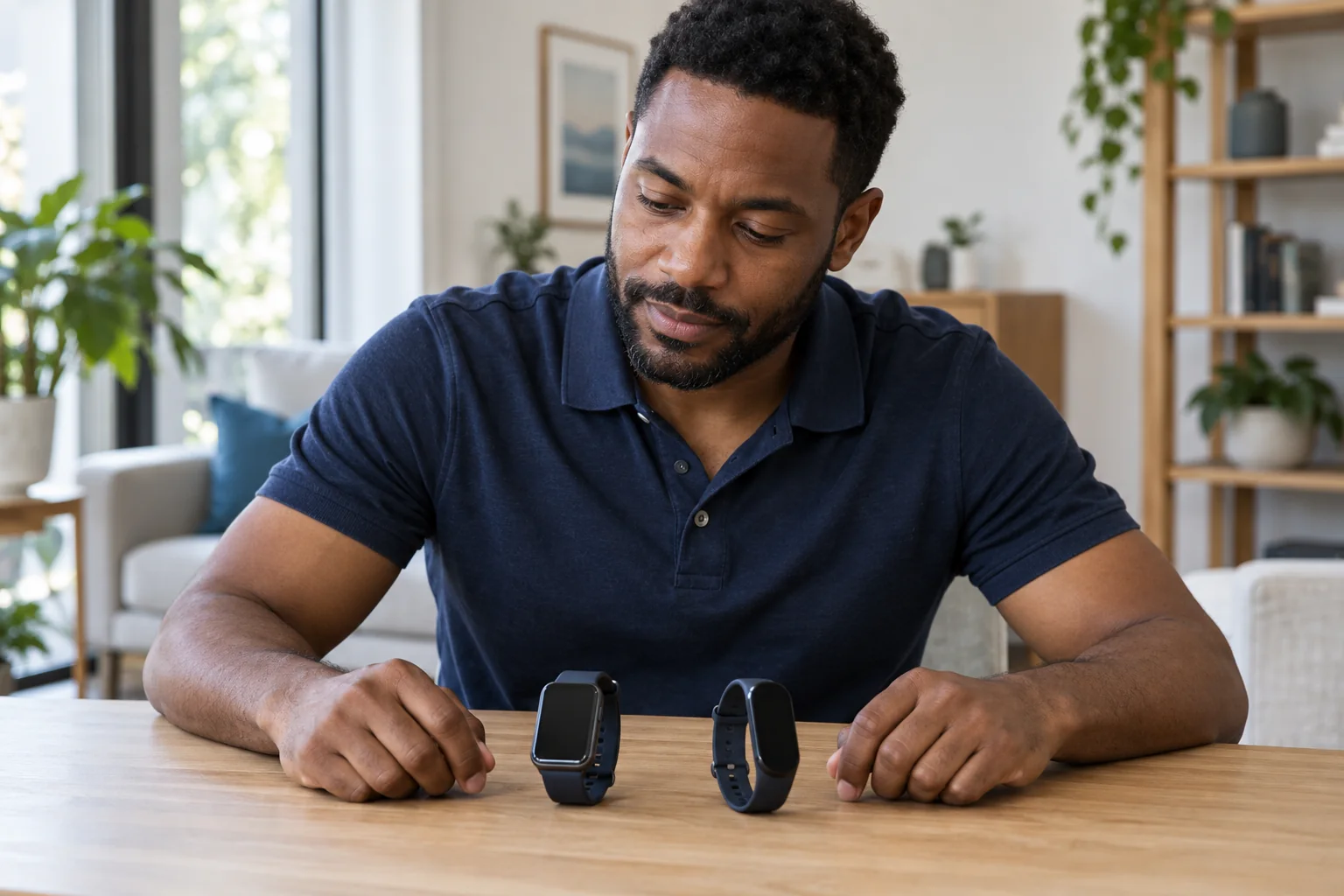
Why do fitness trackers show different calories for the same walk or workout? Before comparing the numbers, check whether both screens describe the same thing. Active calories, activity calories and a full-day total can represent different combinations of estimated expenditure.
Even a fair comparison can produce different results because devices use different inputs and algorithms. This guide explains how to inspect those differences without turning a watch estimate into an instruction about eating or exercise.
Match the label before comparing the number
Read the small label around the value. Is it active energy above a resting estimate, energy associated with a recorded activity or an accumulated daily total? The word activity does not always mean active alone. A treadmill display can also have a different definition from a watch’s exercise summary.
Garmin’s calorie terminology distinguishes active, resting and total calories, with activity calories including a resting component during the recorded period. This is a useful example of why labels matter. Check the definition for both products rather than subtracting values automatically. Different terminology is enough to explain some disagreements before any question about sensor quality arises.
Check the time period and recorded activity
Two devices need the same start, finish and type of summary for a meaningful comparison. One may include time before you pressed start, count the whole day so far or pause the timer when you stop. An app may update after syncing rather than showing every recent record immediately.
Note those practical differences without arranging a strenuous comparison experiment. If one device classified a session differently, that is worth asking support about. An automatically detected walk and a manually started workout may not be processed identically. You can check the records from an ordinary activity you already completed; there is no need to repeat exercise just to make two dashboards agree.
A simple notebook (paid link) can hold the two labels and time periods for one comparison; an existing phone note is equally useful.
Understand the estimate behind the display
A consumer tracker does not directly measure the energy released by every process in your body. It estimates expenditure using the information its model has available. Depending on the device and activity, inputs can include movement, heart-rate-related data, recorded activity and user-profile information. Different models may interpret the same physical task differently.
Apple’s calibration guidance explains that personal information and calibration can affect its calculations. Follow current instructions for your actual model if a setup detail is wrong. Entering accurate information is different from changing a profile to get a more satisfying number. Fit and setup can improve the usefulness of a record, but they do not make the final estimate a laboratory measurement.
Read research without turning it into a permanent brand ranking
Validation research can show how particular devices performed against a specified reference in a defined group. It does not automatically establish accuracy for a new model, every activity or every wearer. Energy expenditure and heart-rate accuracy are also different questions: a device can do better at one than the other.
A 2017 primary study of seven wrist devices found that the tested devices’ energy-expenditure estimates were less dependable than their heart-rate measurements under that protocol. It is historical evidence about the models and tasks studied, not a current shopping leaderboard. Avoid importing an old percentage into today’s watch screen as if it were a guaranteed correction for each session.
Avoid averaging the disagreement into false precision
If two estimates differ, their midpoint is not automatically closer to reality. Both may have a similar bias, use different definitions or be affected by the same missing information. An exact-looking average can conceal those uncertainties rather than solve them. The higher value is not a prize and the lower one is not necessarily more cautious or correct.
Use the comparison to answer a limited question, such as whether both records cover the same time or whether an incorrect profile needs fixing. Our general tracker guide explains keeping data proportionate. For another kind of disagreement, the step-counter guide looks at how movement can be counted differently without treating every task as a contest between devices.
If support sends an explanation you want on paper, an optional document folder (paid link) can keep it with the device instructions; use a folder you already own.
Keep food decisions separate from a single estimate
A watch’s calorie display is not an individual meal plan, a measure of food you have earned or an instruction to compensate for eating. There is no universal rule in this article to eat back all, some or none of the displayed calories. Nutrition needs depend on more than a recorded workout, and an appropriate professional can help with a specific nutrition or health concern.
If calorie comparisons encourage repeated checking, extra exercise or guilt about food, reduce the tracking task and seek suitable support when needed. You may find it more useful to keep a simple activity record without a calorie field. Our fitness goals beyond appearance gives examples of aims that do not require winning a calorie comparison. A useful device should support participation rather than make each meal a calculation dispute.
Practical Reading Checklist
- Read the exact calorie label on both products.
- Match the time window and recording method.
- Check relevant profile information and manufacturer setup instructions.
- Treat research as specific to its devices, tasks and reference.
- Use estimates cautiously without food-earning or compensation rules.
Useful Distinctions at a Glance
| Comparison problem | What to inspect | What not to assume |
|---|---|---|
| One screen shows a larger total | Active versus resting-plus-active definition | That more calories were truly burned |
| The same workout has different values | Start, stop, pause and syncing details | That both cover the same period |
| An old study gives an error percentage | The actual model and protocol | That it corrects every new-device reading |
| Two values can be averaged | Whether either has a valid reference | That the midpoint is the truth |
Common Misunderstandings to Avoid
Compare definitions before making an interpretation.
Use accurate setup information.
Keep nutrition decisions broader than one workout estimate.
Frequently Asked Questions
Usually not. Check the product’s definition: a total can include a resting component as well as activity.
Not necessarily. Averaging does not resolve different definitions or shared errors.
This article does not provide an individual intake rule. A wearable estimate alone is not a nutrition prescription.
Yes. You can choose activity information that is useful without making calories a daily target.
Scope and Personal Care
This guide provides general consumer education, not an individual medical assessment or exercise prescription. A score or normal display cannot establish that a symptom is harmless. Follow the instructions for any device notification and seek appropriate professional advice about persistent symptoms or concerns. Chest pain, fainting or severe unexpected breathlessness needs urgent appropriate help rather than another tracker reading. Relevant device features, eligibility and authorisations can vary by model, software and country; check the documentation for your exact feature.
Sources and Further Reading
- Garmin: calorie terminology
- Apple: calibration and Activity accuracy
- Shcherbina and colleagues: wrist-device validation, 2017
Prepared by the Best Fitness Routine Editorial Team. Sources checked October 30, 2026. This source-based consumer education is provided without individual assessment or a claimed clinical review. Product documentation can change; check your exact model, software and region. Images are AI-generated illustrations.