
Published by Best Fitness Routine. Editorial standards · Report a correction. Educational guidance; no individual clinical review is claimed unless a qualified reviewer is named.
A Practical Starting Point
As an Amazon Associate I earn from qualifying purchases. This guide includes paid Amazon links.
Fitness tracker health data privacy involves more than hiding a step total. Your account may contain sleep patterns, workout times, location routes, profile details and information imported from other services. Which records exist depends on your device, features and permissions.
You do not need to become a security specialist to make a useful review. Start with what you actually use, what you are willing to share and which accounts or people can see it. This guide offers a settings roadmap rather than click-by-click instructions that may change with the next app update.
Map the places your records can travel
Think of the watch or ring, its phone app, the provider's account and any connected service as separate parts of the system. A setting that hides your profile from other users does not necessarily stop the provider processing records under its privacy policy. Switching off one connection may not remove information already copied elsewhere.
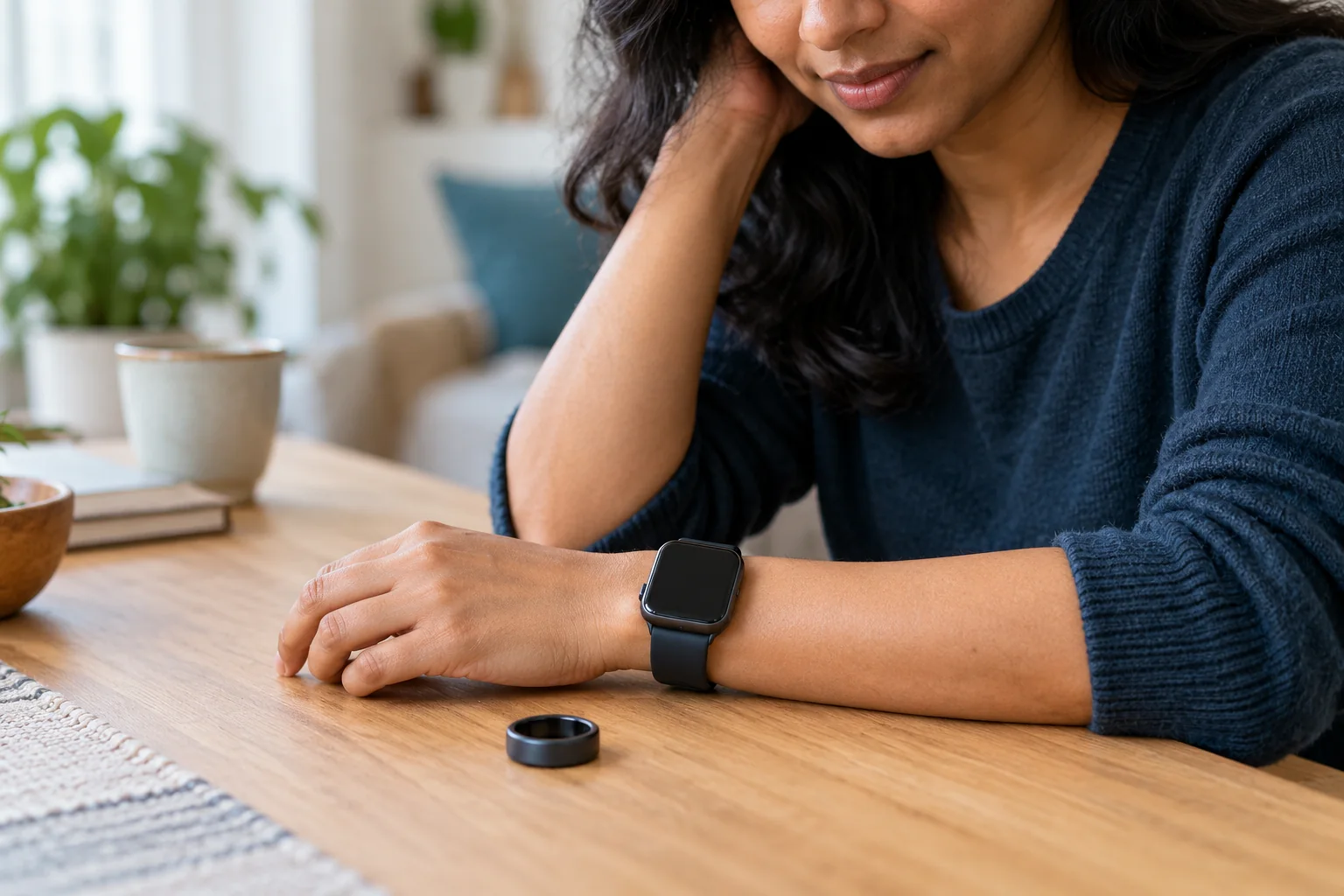
List only the services you actually use: perhaps the manufacturer app, a phone health platform and a route-sharing app. Look at what each connection can read or write and whether it still serves a purpose. Canada's privacy commissioner recommends considering collection, use and sharing before buying. The same questions remain useful when you already own the device. If you are comparing formats, add privacy to your ring versus watch comparison.
Review permissions according to the feature you need
Check the phone's app permissions and the controls within the tracker service. These are different layers. Location, contacts, nearby-device access, notifications and health-platform access can serve different functions; the permission names and choices vary by phone and app version. Consult current help documentation before changing a permission needed by a feature you rely on.
Ask why the app needs a category of information and whether a more limited option is available. For example, using route recording is a different choice from allowing location access for functions you never use. Review read and write access separately where offered. Removing access may stop a feature or future syncing, and does not necessarily delete previously collected records. Record the changes that matter so you can understand any later gaps without restoring every permission automatically.
If a paper checklist suits you, a plain notebook (paid link) can record the controls you reviewed; an existing note works, and passwords should not be written in a visible checklist.
Check who can see your profile and activity routes
Review the audience for your profile, workout history, maps, leaderboards, groups and automatically shared activities. Do not assume that 'friends only' matches your expectations; check who is actually connected to the account. A screenshot can also reveal a map, name or notification that you did not intend to publish.
If the app offers a route-privacy area or hidden start and finish locations, read its limitations rather than treating it as complete anonymity. Patterns may still disclose places or routines. Australia's eSafety guidance on fitness trackers highlights the importance of sharing controls where monitoring or stalking is a concern. If another person controls your account or changing settings could affect your safety, seek specialist support and plan changes safely. Do not assume that a device given to you is connected only to your own phone.
Read the parts of the policy that answer your questions
You do not have to memorise every paragraph to compare meaningful choices. Find what the company says about categories collected, purposes, recipients, advertising or analytics, retention, account deletion and contact methods. Check whether optional research or marketing choices are separate from the service you need. Do not interpret a reassuring label as proof that no sharing occurs.
The US Federal Trade Commission's consumer guidance explains why both the policy and available controls matter. Laws also depend on the service and circumstances. In the United States, HHS explains that HIPAA generally does not protect information in ordinary personal apps unless the relevant covered-entity or business-associate relationship applies. That does not mean no other law applies. This article provides a practical review, not a legal assessment of your account.
Protect access and keep useful records deliberately
Use the service's supported account-protection options, including a strong unique password and additional sign-in verification where available. Protect the phone itself, install supported updates and review signed-in devices or sessions if the service provides that control. A public profile setting and a secure sign-in address different risks; one does not replace the other.
Consider what you export and where you keep it. A file downloaded for an appointment may include more detail than you intend to email or store in a shared folder. Keep only the records needed for your purpose and share through an appropriate channel agreed with the recipient. A paper checklist can track which accounts you reviewed, but should not become a visible list of passwords or sensitive health details. No accessory can guarantee that a provider or connected service handles information correctly.
For printed records you deliberately keep, a document folder (paid link) is an optional organiser, not a privacy safeguard; choose appropriate storage and avoid unnecessary copies.
Plan what happens when you disconnect, reset or replace a device
Before selling, giving away or retiring a wearable, consult the exact model's instructions for removing account links and local records. Check the phone app and online account as well as the device. Uninstalling an app, cancelling a subscription, factory-resetting a watch and deleting an account are separate actions with different consequences.
If you want a copy of useful records, check export options before requesting deletion. Read what the provider says it deletes, retains or has already shared; do not promise yourself that every copy disappears immediately. Review controls again after reinstalling, reconnecting services or making a major account change. A manageable setup with fewer unnecessary connections can be easier to understand than an elaborate arrangement you no longer use. Our general tracker guide can help you decide which functions actually contribute to your routine.
Practical Reading Checklist
- List your wearable account, phone health platform and connected services.
- Review permissions and remove only access you understand and no longer need.
- Check activity audiences, routes, groups and automatic sharing.
- Review account access, updates, policy questions and the handling of exports.
- Check deletion and unlinking instructions before retiring a device or account.
Useful Distinctions at a Glance
| Control to review | Question to answer | Important limitation |
|---|---|---|
| Phone permission | Does this access support a feature I use? | Revoking access may not erase previous records. |
| Profile and route audience | Who can see activities and patterns? | A private profile does not explain all provider processing. |
| Connected service | What can this app read or write? | Unlinking may leave earlier copies with the other service. |
| Account deletion or reset | Which records and links does this action remove? | Uninstalling, resetting and deleting are different actions. |
Common Misunderstandings to Avoid
US HIPAA coverage depends on entities and relationships; ordinary personal apps are often outside that framework.
Maps, names, timestamps and notifications may reveal more than the intended score.
Read the current policy and instructions for each service rather than assuming all copies disappear.
Frequently Asked Questions
It usually addresses visibility to other users according to that service's controls. It does not by itself establish what the provider collects, processes, retains or shares under its policy.
Choose according to the functions you use and current documentation. Some permissions support essential pairing or a feature you want. A deliberate review is more useful than changing everything without understanding the result.
Do not assume so. App removal, account deletion, device reset and disconnection can be separate actions. Check the provider's instructions and retention explanation.
Many services separate personal tracking from social sharing, but options differ. Check your actual account, connected services and public audience controls; do not rely on a generic screenshot of another app version.
Scope and Personal Care
This guide provides general consumer education, not an individual medical assessment or exercise prescription. A score or normal display cannot establish that a symptom is harmless. Follow the instructions for any device notification and seek appropriate professional advice about persistent symptoms or concerns. Chest pain, fainting or severe unexpected breathlessness needs urgent appropriate help rather than another tracker reading. Relevant device features, eligibility and authorisations can vary by model, software and country; check the documentation for your exact feature.
Sources and Further Reading
- Office of the Privacy Commissioner of Canada: Wearable devices and privacy
- FTC: Health apps and sensitive information
- HHS: Health information on personal phones and tablets
- eSafety Commissioner: Fitness trackers
Prepared by the Best Fitness Routine Editorial Team. Sources checked October 30, 2026. This source-based consumer education is provided without individual assessment or a claimed clinical review. Product documentation can change; check your exact model, software and region. Images are AI-generated illustrations.